Skills, Tools, Plugins, oh my!
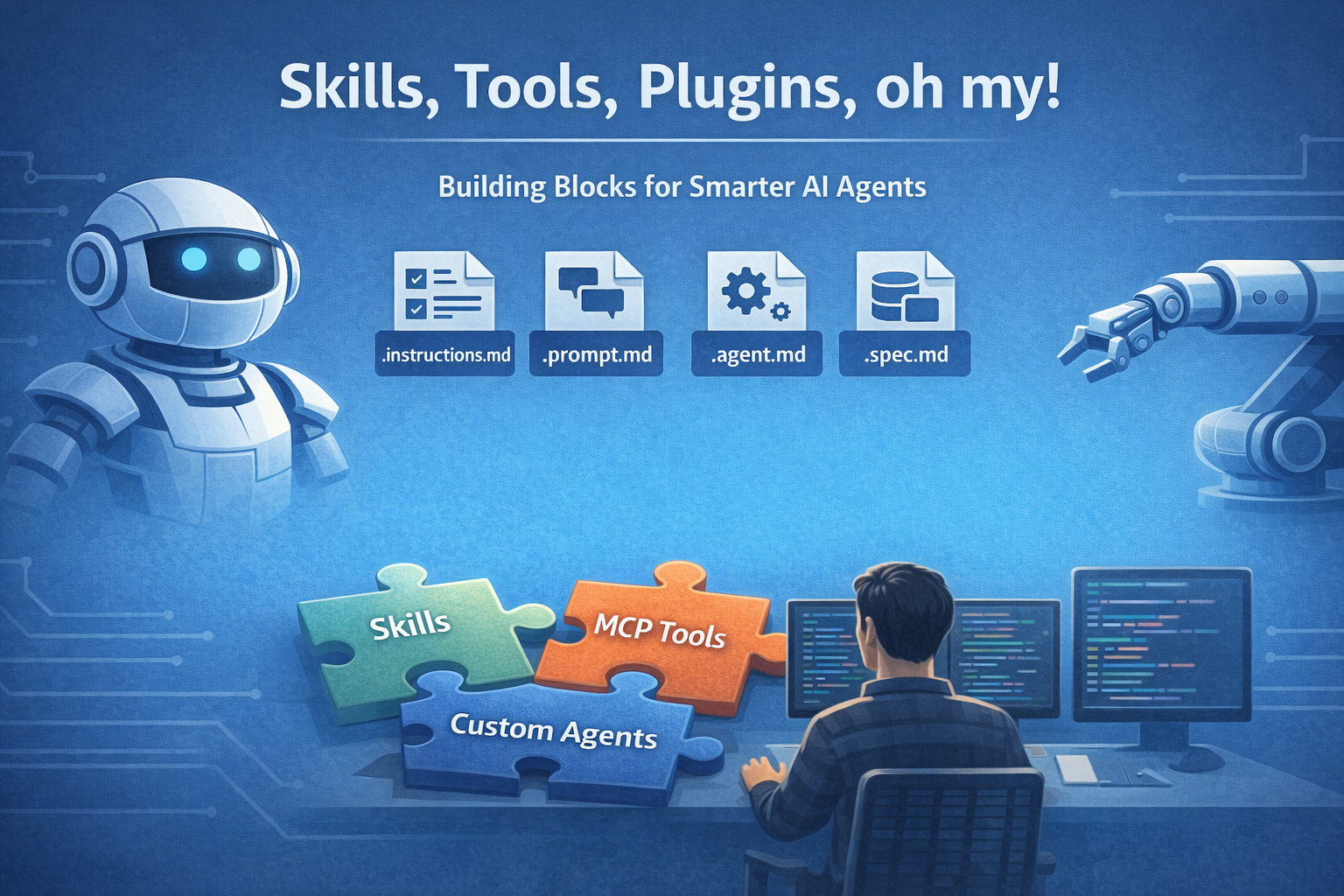
A practical guide to agentic primitives in 2026, and when to use prompt files, custom agents, skills, MCP tools, and plugins.
If you’ve spent time with AI agents lately, you may know this experience:
You discover one useful way to customize an agent, feel like you finally understand it, and then someone says “No, that should really be a skill” or “This belongs in a custom agent” or “Just expose it over MCP”.
The problem in 2026 is no longer a lack of options. It’s that we now have so many overlapping ways to customize agent behaviour. And when teams mix those layers up, they can end up with bloated prompts, unsafe tool access, and a whole new type of tech debt to manage.
The hardest part is rarely “Can I customize this agent?” It’s choosing the cleanest customization that fits the job.
Understanding Agentic Primitives
A term I use a lot lately is agentic primitive. It gives us a way to talk about the smallest reusable building blocks in an agent system, without the vendor-specific naming.
There are already many types of agentic primitives, expressed mostly in the form of Markdown files with specific frontmatter sections. They are composable, have boundaries, and can be improved independently.
- Custom Instructions (
.instructions.md) are great for stable rules and conventions to keep your agents on track. - Prompt Files (
.prompt.md) are great for reusable workflows you want to repeat or share. - Custom Agents (
.agent.md) or other custom agent definitions are great for persona-based role separation and tool boundaries. - Spec Files (
.spec.md) are a convention for storing a detailed specification that can be read & updated by agents. - Memory Files (
.memory.md) help capture decisions and lessons that should persist between sessions. - Context Files (
.context.md) help an agent pull in the right supporting material without dragging in the whole universe.
The 2026 customization stack
The guidelines for using each customization are always evolving, but here’s how I think about them currently:
| Type | What it mainly changes | Best used when | Common mistake |
|---|---|---|---|
| Prompt files or instructions | Agent behaviour, task framing, style, constraints | You keep repeating the same guidance or workflow | Overloading context windows by cramming files with unnecessary or conflicting info |
| Custom agents | Role, boundaries, allowed tools, preferred workflow | You want a specialist with clear scope like reviewer, architect, or writer | Creating too many overlapping agents with fuzzy responsibilities |
| MCP tools | Deterministic actions and external system access | The agent needs to access data or do things within other systems or platforms, especially those behind authentication | Creating tool wrappers for local actions that could be more efficiently done through skills or prompting |
| Skills | Reusable packaged know-how, often combining instructions, context, and process | You want a repeatable capability that others can install | Blindly installing skills without reviewing capabilities (they often hold custom scripts or other security risks) |
| Plugins | Used for packaging, often product-specific | Often used to bundle multiple primitives behind one label | Promoting single skills or prompts into plugins unnecessarily |
When I would use each one
If the same long text keeps appearing in your chat history, that is usually a prompt file trying to happen. Save it.
If you want an agent to behave like a specialist with a narrow remit, that is usually a custom agent problem. Define the role, define the boundaries, and restrict the tools.
If the agent needs to cross system boundaries to interact with another application or enterprise platform, that is an often an MCP tool problem (although CLI commands being called directly by agents are starting to challenge this).
If you have something more reusable than a single prompt and broader than a single file, that is often a skill. This is especially true when you want to package examples, workflow guidance, and domain knowledge together for others.
If you need to package a set of other primitives for easy sharing across your team, explore plugins for your specific platform. Or for a platform independent approach to distribution, use Agent Package Manager (https://github.com/microsoft/apm).
Anti-patterns to watch for
These are some anti-patterns I’d avoid right now:
- The mega-prompt: one giant wall of text that tries to hold role, rules, examples, workflow, output format, and safety guidance all in one place
- The god-agent: one custom agent with every tool enabled because scoping felt inconvenient
- Instruction sprawl: lots of overlapping instructions with no hierarchy, so the agent gets inconsistent guidance
- Tool sprawl: exposing dozens of tools or skills “just in case” and then wondering why the agent makes odd choices
Nearly every bad agent setup I see recently can be explained as a violation of one a few constraints: too much context or scope, poor composition or boundaries, or unclear guidance.
Once you start treating these customizations as modular assets, you can improve them the same way you improve code. You can version them, refactor them, compose them, and share them.
Want to learn more?
Daniel Meppiel’s Agentic SDLC Handbook and PROSE Framework is great if you want a deeper dive on this. He goes through usage patterns of each primitive in detail, as well as guiding architecture principles:
- Progressive Disclosure: load context just-in-time, not all at once
- Reduced Scope: break work into units small enough for the model to hold clearly
- Orchestrated Composition: combine small primitives instead of writing one mega-prompt
- Safety Boundaries: give agents autonomy inside explicit limits
- Explicit Hierarchy: apply the most relevant rules at the most relevant level
If you only take one idea from that framework, make it this: reliable agents usually come from better composition, not longer prompts.